
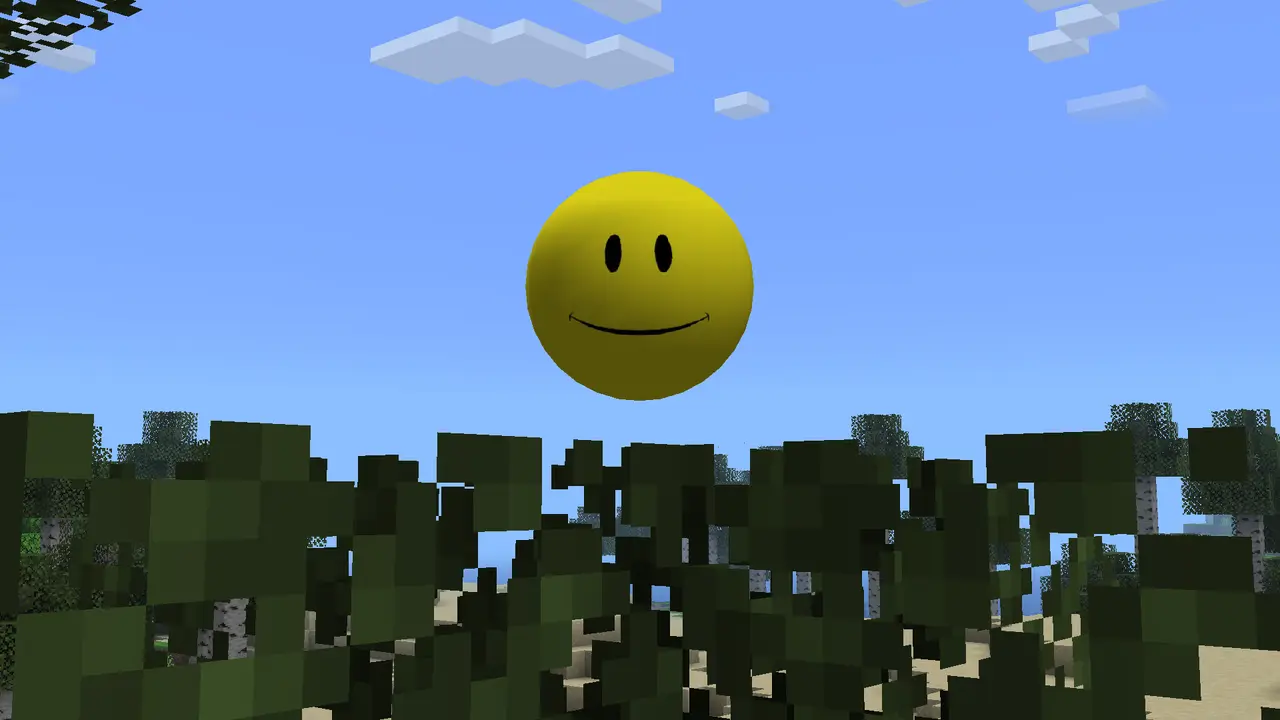
The current published Verity JE release checked on August 22, 2026 is v6.0.0-beta.7 for Minecraft Java 1.20.1 with Forge. The primary file is verity-6.0.0-beta.7.jar at 257,909,430 bytes, about 257.9 MB. Beta 6, v5.7.4 and earlier builds remain useful as historical records or server-matching fallbacks.
Download current v6.0.0-beta.7Current Verity Mod version
The current Verity JE release returned by the project record is v6.0.0-beta.7. It targets Minecraft Java 1.20.1, lists Forge and uses the published file verity-6.0.0-beta.7.jar at 257,909,430 bytes. Treat the beta label as a reason to back up worlds and test a clean profile before multiplayer use.
Use the current version for a new installation unless a server or existing world explicitly requires an older build. Updating a gameplay mod can change behavior or data, so back up worlds before replacing files. Never keep two Verity JE versions in the same mods folder because Forge may reject duplicate mod identifiers.
| Version | File | Size | Published | Minecraft / loader |
|---|---|---|---|---|
| v6.0.0-beta.7 | verity-6.0.0-beta.7.jar | 257,909,430 bytes | August 19, 2026 | 1.20.1 / Forge |
| v6.0.0-beta.6 | verity-6.0.0-beta.6.jar | 257,909,392 bytes | August 18, 2026 | 1.20.1 / Forge |
| v5.7.4 | verity-5.7.4.jar | 246,483,796 bytes | August 17, 2026 | 1.20.1 / Forge |
| v6.0.0-beta.5 | verity-6.0.0-beta.5.jar | 257,887,640 bytes | August 13, 2026 | 1.20.1 / Forge |
| 5.7.3 | verity-5.7.3.jar | 246,481,139 bytes | July 18, 2026 | 1.20.1 / Forge |
v6.0.0-beta.7 is the newest published beta in the checked project record. Back up worlds and keep the server, clients and AI configuration on one documented release.
How to update Verity JE
Stop Minecraft and any dedicated server completely. Copy the world and current configuration to a backup location. Remove the older Verity JAR from the active mods folder, then add the new file. Keeping the old file beside the new one is not a rollback plan; it creates a duplicate-mod problem.
Launch a temporary test world first. Confirm that Verity loads, the AI connection still works and no required configuration was reset. For multiplayer, update the server and every client together. A player using 5.7.2 should not assume compatibility with a v6.0.0-beta.7 server simply because both target Minecraft 1.20.1.
- 1
Back up
Copy worlds, server files and Verity configuration outside the launcher instance.
- 2
Remove the old JAR
Leave only one Verity JE build in the mods folder.
- 3
Add the current JAR
Use the unchanged file name from the published project release.
- 4
Test before regular play
Check startup, AI connection, events and multiplayer compatibility.
Should you download an old version?
An older version is useful when joining a server that has not updated, reproducing a bug for a report or recovering a world known to work with that exact build. It is not a way to make the mod support a different Minecraft branch. All three currently published releases still target Java 1.20.1 with Forge.
Older files may contain bugs fixed by the latest release, and the project does not publish detailed release notes for every build in the API data we checked. Use old versions deliberately and keep a record of the file name. Do not download an old build from an unknown mirror when the project version page remains available.
Downgrading the mod after saving a world with a newer build can be risky. Restore a backup instead of repeatedly opening the same world across versions.
Version numbers that are not verified
Search results and videos may mention Verity v6.0.0-beta.7, Verity EXE, a Fabric build, a 1.21 port or a Bedrock edition. Those names are not part of the three first-party Java releases listed here as of the check date. A future release is possible, but a title or thumbnail is not enough evidence.
A valid new version should appear on the traceable project page with a version number, file, publication date, supported Minecraft version and loader. This site will update the homepage download only after those facts can be retrieved from the published source.
Verify and organize downloaded Verity files
Keep the original published filename. A renamed file such as verity-latest-final.jar makes it harder to compare a server, client and backup later. Store old releases outside the active mods folder in a directory labeled with the Minecraft and Forge environment. The launcher instance itself should contain only the version you intend to load.
File size is a useful mismatch signal, not a complete security verdict. The three releases on this page have similar but different byte counts. A file that is only a few kilobytes, is packaged as an EXE or arrives inside a password-protected archive does not match the published Java release. Conversely, matching the approximate size alone cannot prove ownership or integrity because another file can be padded or copied.
For stronger local tracking, calculate a SHA-256 hash after downloading and record it beside the source URL and check date. A hash lets you confirm that a server and client copied the same bytes or that a backup did not change. The project API used for this page did not publish a checksum in the fields we recorded, so this site does not invent an official hash. Compare hashes among your own copies or against a checksum the publisher may provide later.
Launcher profiles are the cleanest version boundary. Name an instance something like Verity JE v6.0.0-beta.7 - MC 1.20.1 and keep its worlds, mods and configuration separate from a general modpack. Before an update, duplicate the profile or export its settings without including private AI credentials. This makes rollback a deliberate switch rather than a risky mixture of old and new files.
| Check | Useful for | Limitation |
|---|---|---|
| Filename | Recognizing the published release | Can be copied or renamed |
| Byte size | Spotting obvious mismatches | Does not prove authorization |
| SHA-256 | Comparing exact file copies | Needs a trusted reference |
| Profile name | Keeping environments separate | Must be maintained when updating |
Verity Mod 1.20.1 compatibility decisions
Use Verity Mod 1.20.1 when the launcher profile, Forge environment and server all target the same Minecraft branch. The phrase identifies compatibility, not a promise that every Forge build or unrelated dependency is interchangeable. Record the working loader build before updating and keep a copy of the configuration that reached a stable test world.
Verity Mod 1.20.1 does not describe a Bedrock package, Fabric port or Minecraft 1.21 release. A video can show newer game assets while still using a private setup or edited footage, so the visible Minecraft menu is weaker evidence than published release metadata. Choose the mod file from the project version page rather than matching only a thumbnail.
For multiplayer, Verity Mod 1.20.1 is a shared mod environment decision. The server operator should publish the required Verity JE mod version, Forge build and any dependencies, while players should keep that mod profile separate from single-player experiments. Matching those mod values prevents most version disputes before the connection begins.
Keep 1.20.1 in the launcher profile name, the mod filename in your backup notes and the mod source URL beside any saved checksum. Label the backup as a 1.20.1 environment as well. This small mod record makes updates and rollbacks easier to verify.
Verity Mod version FAQ
What is the current Verity Mod version?
The current published Verity JE release checked on August 22, 2026 is v6.0.0-beta.7 for Minecraft Java 1.20.1 with Forge. The primary file is verity-6.0.0-beta.7.jar at 257,909,430 bytes, about 257.9 MB. Beta 6, v5.7.4 and earlier builds remain useful as historical records or server-matching fallbacks.
Does Verity Mod support Minecraft 1.21?
The published Verity JE releases checked here list Minecraft 1.20.1, not 1.21.
Can I use Verity v6.0.0-beta.7 on Minecraft 1.20.4?
Do not assume compatibility. The release metadata specifically lists Minecraft 1.20.1.
Where can I download old Verity versions?
Use the Versions area on the verified Modrinth project rather than an unknown mirror.
Can a 5.7.2 client join a v6.0.0-beta.7 server?
Use matching versions unless the project explicitly documents cross-version compatibility.
Sources and verification
Product facts on this page were checked on July 19, 2026. Verity Mods Wiki is independent and does not claim ownership of Verity JE or Minecraft.